




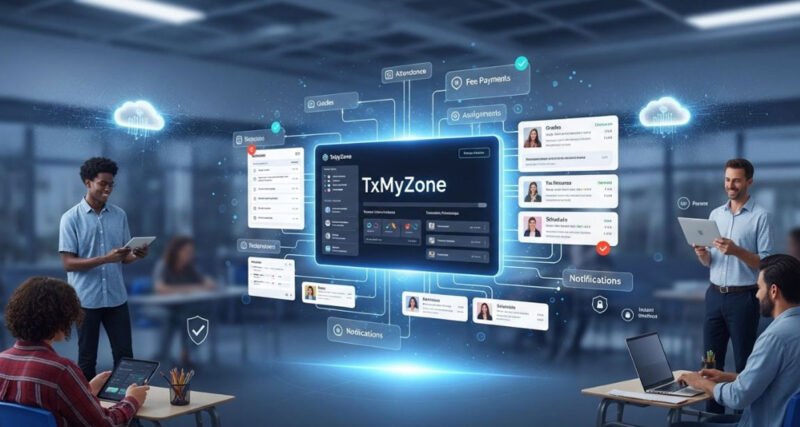
TxMyZone is an academic management platform that centralizes grade tracking, attendance monitoring, assignment management, and parent-teacher communication into a single dashboard. Schools, tutoring centers, and individual educators use it to replace the scattered mix of spreadsheets, email chains, and paper forms that still dominate many classrooms.
The platform targets three distinct user groups: students who need to track their own progress, teachers who manage grading and classroom logistics, and parents who want real-time visibility into their child’s academic life. That three-way connection is the core selling point.
Below is a breakdown of how TxMyZone actually works, what features matter most, and how it stacks up against Google Classroom and Blackboard.
What Is TxMyZone and Who Uses It
TxMyZone functions as a centralized academic hub where grades, assignments, attendance records, and messages live in one place. Students log in to check scores and upcoming deadlines. Teachers use it to post assignments, update grades instantly after grading, and send announcements. Parents get a parallel view of everything their child sees, plus direct messaging access to instructors.
The platform works across K-12 schools, community colleges, and private tutoring operations. Smaller institutions tend to benefit the most because they often lack the IT budgets for enterprise-grade solutions like Blackboard or Canvas.
Unlike platforms built primarily for content delivery, TxMyZone focuses on the administrative side of education. It does not host video lectures or course libraries. Instead, it handles the operational layer: who showed up, what grade they earned, when the next assignment is due, and whether the parent knows about it.
That narrow scope is a deliberate trade-off. A platform built for the three groups who rarely agree on anything in education, students, parents, and teachers, works best when it does fewer things well rather than everything poorly.
Key Features That Set TxMyZone Apart
TxMyZone bundles five core features into its dashboard: real-time grade tracking, built-in messaging, assignment management, attendance monitoring, and customizable dashboards for each user role. Each one addresses a specific pain point that academic institutions deal with daily.
Real-Time Grade Tracking
Grades update the moment a teacher submits them. Students and parents see the change immediately, without waiting for report cards or scheduled email updates. The system calculates running averages automatically, so a student can see exactly where they stand at any point in the semester.
Built-In Communication Tools
Private messaging between parents and teachers replaces the back-and-forth of email. Class-wide announcements go out instantly. Group discussions let students collaborate on projects within the platform rather than switching to a separate app.
Assignment and Deadline Management
Teachers create assignments with due dates, attach rubrics, and collect submissions through the platform. A built-in calendar shows all upcoming deadlines in one view. Students who miss a deadline get flagged automatically, reducing the chances of assignments slipping through the cracks.
Attendance Monitoring
Teachers mark attendance digitally, and parents can check records at any time. The system tracks patterns over weeks and months, making it easier to spot chronic absenteeism before it becomes a serious problem.
Customization Options
Each user role gets a tailored dashboard. Teachers adjust grading scales, notification preferences, and classroom layouts. Parents choose which alerts they receive. Students customize their view to prioritize the subjects or deadlines that matter most to them.
| Feature | What It Does | Who Benefits Most |
|---|---|---|
| Real-time grades | Instant score updates after grading | Students, Parents |
| Messaging | Direct parent-teacher and group communication | Parents, Teachers |
| Assignment tracker | Centralized deadlines with auto-reminders | Students, Teachers |
| Attendance logs | Digital records with pattern detection | Parents, Administrators |
| Custom dashboards | Role-specific interface adjustments | All users |
The attendance pattern detection is one of the quieter features, but it matters. A teacher reviewing a student’s attendance log might notice three Monday absences in a row, something that would be invisible in a paper sign-in sheet buried in a filing cabinet.
How TxMyZone Compares to Google Classroom and Blackboard
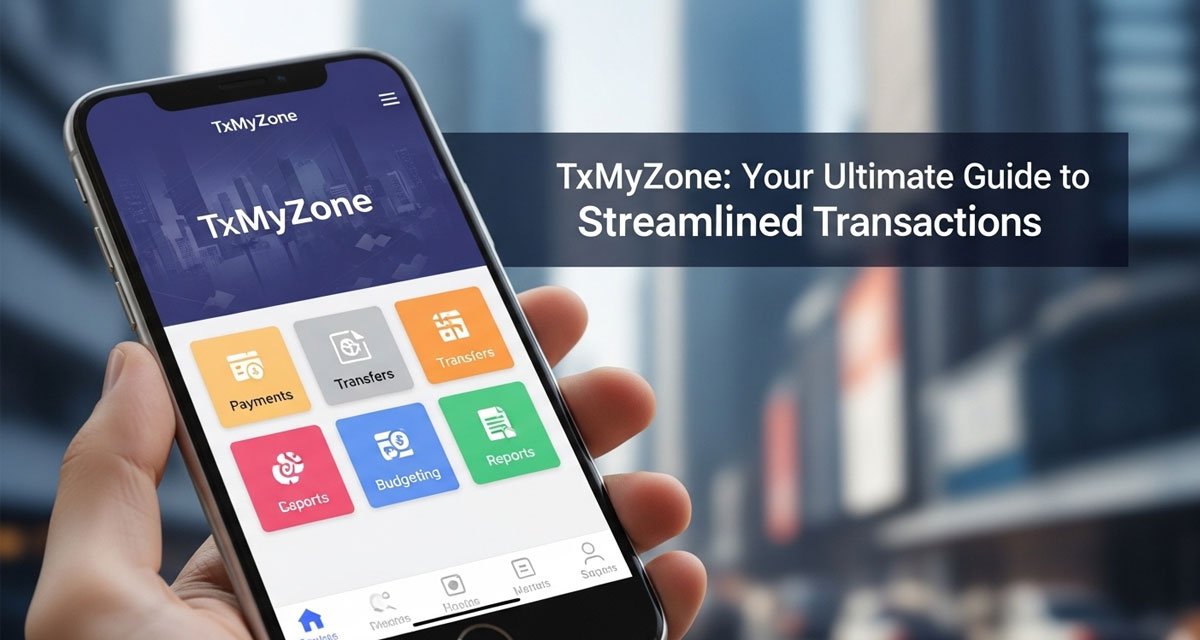
TxMyZone occupies a middle ground between the simplicity of Google Classroom and the complexity of Blackboard. The table below highlights where each platform excels and where it falls short.
| Criteria | TxMyZone | Google Classroom | Blackboard |
|---|---|---|---|
| Real-time grade tracking | Yes, with running averages | Limited (manual export) | Yes |
| Parent access portal | Full dashboard access | Guardian email summaries only | Varies by institution |
| Attendance monitoring | Built-in with pattern alerts | No native feature | Available via add-ons |
| Communication tools | Private messaging + announcements | Stream comments + email | Discussion boards + messages |
| Learning curve | Low | Very low | Steep |
| Best for | K-12, small institutions | Quick assignment distribution | Large universities |
| Pricing | Free tier + paid plans | Free (Google Workspace) | Institutional licensing |
Google Classroom wins on simplicity and price. It is free, integrates with Google Drive, and teachers can set it up in minutes. But it was built for assignment distribution, not academic management. There is no native attendance tracking, no real-time grade dashboard for parents, and no private parent-teacher messaging.
Blackboard offers deep functionality for universities, including learning analytics, video conferencing, and LMS-grade content management. The trade-off is complexity. Younger students and parents who are not tech-savvy often struggle with its interface. Institutional licensing costs also put it out of reach for smaller schools.
TxMyZone fits the gap between these two. It handles more administrative functions than Google Classroom while staying simpler than Blackboard. For a K-12 school that needs grade tracking, attendance, and parent communication in one tool, it covers the essentials without the overhead.
Data Privacy and Security on TxMyZone
Any platform handling student records needs to take data protection seriously. TxMyZone uses encryption protocols to secure data in transit and at rest, according to its published privacy documentation. User authentication requires unique credentials for each account, and session timeouts log inactive users out automatically.
For schools in the United States, compliance with the Family Educational Rights and Privacy Act (FERPA) matters. FERPA governs how student education records are stored, shared, and accessed. Schools adopting any third-party platform should verify that the vendor’s data handling policies align with FERPA requirements before onboarding students.
Practical steps for safer use include avoiding public Wi-Fi when accessing grade data, using strong and unique passwords, and reviewing the platform’s data retention policies to understand how long records are stored after a student leaves the institution.
When a platform processes data from minors, the stakes are higher than a typical SaaS product. That extra scrutiny is not paranoia. It is a baseline expectation from parents who are trusting a third-party system with their child’s academic history.
Getting Started with TxMyZone
Setting up a TxMyZone account takes four steps and usually finishes in under ten minutes, regardless of whether you are a student, teacher, or parent looking to link a child’s profile.
- Create an account on the TxMyZone website using your name, email, and role (student, teacher, or parent).
- Set up your profile by adding courses (students), creating classrooms (teachers), or linking your child’s account (parents).
- Explore the dashboard to locate grades, assignments, attendance records, and messaging tools.
- Enable notifications so you receive alerts for grade updates, new assignments, or messages from teachers.
Teachers who are onboarding an entire class should create the classroom first, then share the enrollment link or code with students. Parents typically receive an invitation email from the school with instructions for linking their account to their child’s profile.
Frequently Asked Questions
Is TxMyZone free to use?
TxMyZone offers a free tier with basic features including grade viewing and messaging. Full access to advanced features like attendance pattern tracking and custom dashboards requires a paid subscription plan, with pricing that varies by institution size.
Can I access TxMyZone on my phone?
Yes, the platform is mobile-responsive and works on smartphones and tablets through a web browser. Students and parents can check grades, view assignments, and send messages from any device with an internet connection.
How does TxMyZone protect student data?
The platform uses encryption for data in transit and at rest, requires unique login credentials for every user, and implements automatic session timeouts. Schools should independently verify that the platform’s policies meet FERPA requirements before deploying it.
What makes TxMyZone different from Google Classroom?
Google Classroom focuses on assignment distribution and integrates with Google’s ecosystem. TxMyZone adds real-time grade tracking, attendance monitoring, and a dedicated parent portal with direct messaging to teachers, making it a broader academic management tool.
Does TxMyZone work for homeschool families?
Homeschool parents can use TxMyZone to track grades, manage assignments, and maintain attendance records for documentation purposes. The platform’s customization options allow a single parent to function as both the teacher and parent user, keeping records organized in one place.
Conclusion
TxMyZone fills a specific niche in the academic technology space. It is not trying to replace full-scale learning management systems or compete with free tools on price alone. Its value is in connecting the three sides of the education triangle, students, teachers, and parents, through a single, accessible dashboard.
For small to mid-sized schools that need more than Google Classroom but less than Blackboard, TxMyZone offers a practical middle path. The platform works best when all three user groups actively engage with it, which is both its greatest strength and its biggest dependency.